Share the moment,
not the child.
Upload a school photo, tap the children, download. Each child gets a brand-new face — same age, same smile, same moment — in about 20 seconds.

Built for everyone who
shares children’s photos
From the school website to the weekly match report — one tool, every setting where children appear online.
Why schools trust
Safeguard Vision
Real faces back in your photos — with none of them traceable to a real child. Built with care for UK safeguarding.
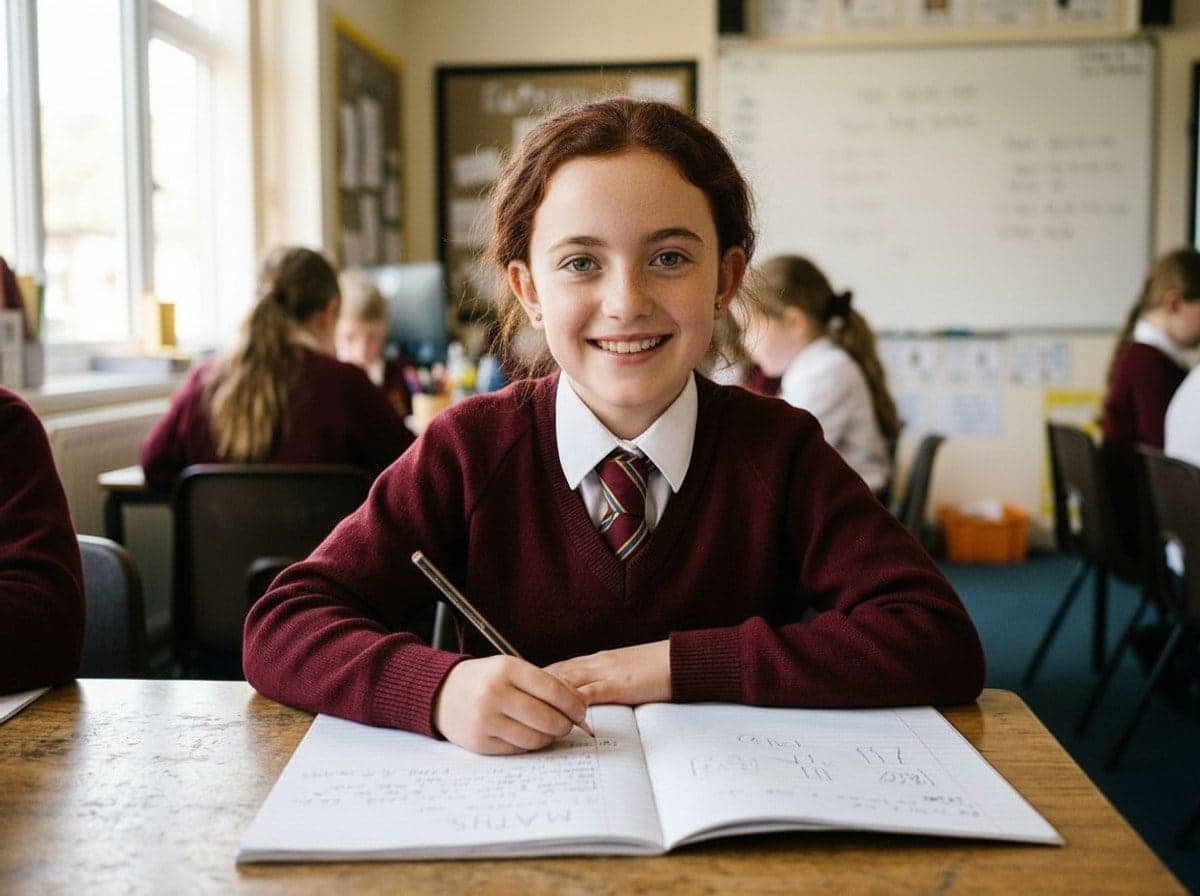
Same age, same smile
Each new face keeps the child’s age, expression and complexion — matched to their own neck and hands.
Change all — or only the ones you tap
Staff and pupils whose parents have consented stay exactly as they are. Everyone you tap gets a new face.
Never charged for a miss
No faces found, or something fails? It goes straight back on your balance. Redo any single face free.
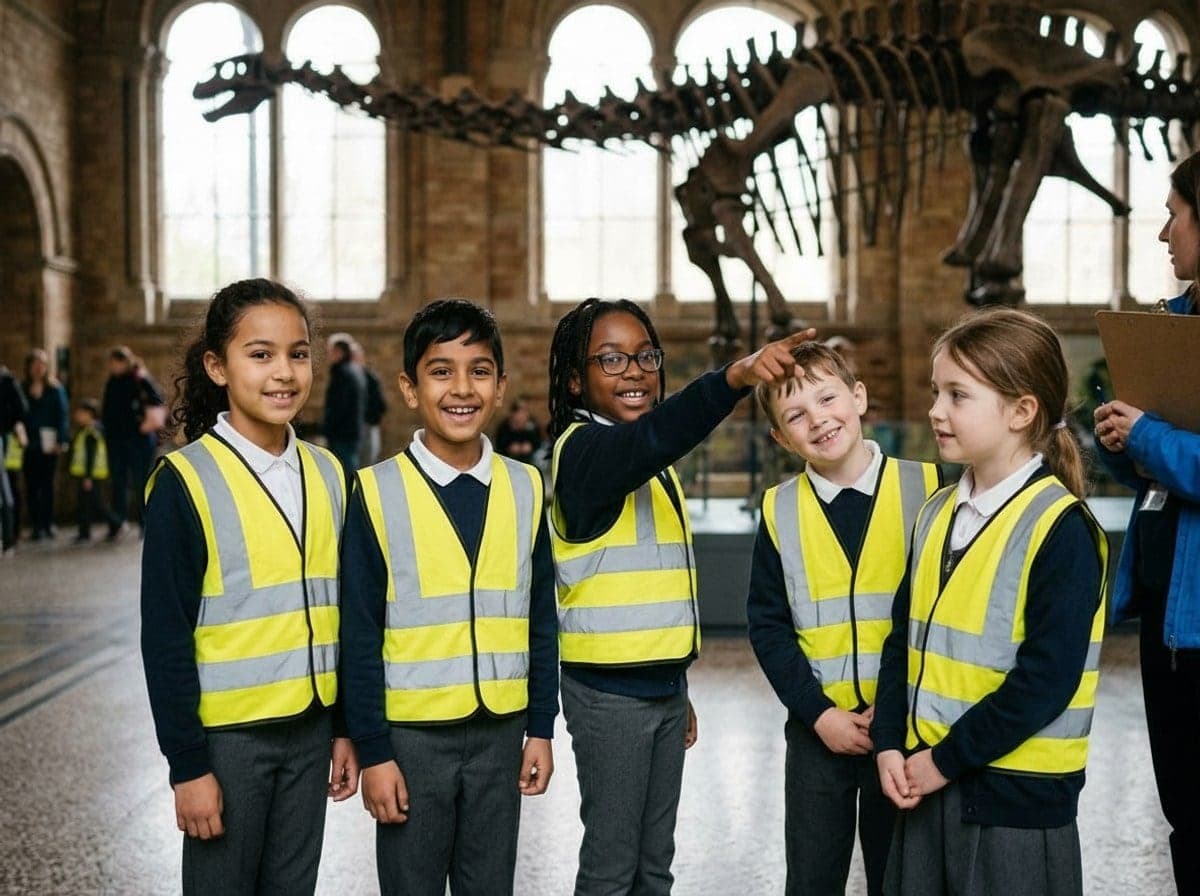
Warning to UK schools · May 2026
School photos are being
turned into abuse images
Criminals took pupils’ photos from a UK school’s website and social media, used AI to turn them into abuse images, and sent them to the school with a ransom demand. In May 2026 the NCA, the IWF and the Early Warning Working Group told schools to remove identifiable photos of pupils.
- 150
- AI abuse images made from a single UK school’s online photos (IWF)
- 394
- Reports from under-18s of blackmail attempts in 2025 (Report Remove)
- +34%
- Rise in those reports on 2024 — the trend is going one way
What schools are now told to do
Take down face-on photos
Replace identifiable photos of pupils with images that are harder to misuse.
Keep names away from faces
Don’t publish a pupil’s name alongside their photo.
Audit what’s already online
Check websites, social media and promotional material regularly.
If you’re targeted, call the police
Don’t engage or pay, keep the images as evidence, and take the originals down.
Changing every face keeps the photo and removes the risk. Read our guide to the rules →
The case behind the guidance
The problem isn’t widespread yet, but it’s “only a matter of time” before more schools are targeted.
The Early Warning Working Group, as reported by the Guardian — alongside the IWF’s account of the school that was blackmailed.
Read the Guardian reportStart free.
Buy photos when you need them.
Every account starts with 2 free photos — no card. Then buy a pack when you need one: no subscription, and photos never expire.
Free
£0forever
Try it on your own photos.
- 2 photos, both anonymisation levels
- Choose which faces to change
- Watermarked downloads
50 photos
£19one-off
For a nursery, a club or your first few events.
38p a photo- Photos never expire
- Upload up to 100 at once
- No watermark, full resolution
- Audit log export (CSV)
200 photos
Most schools£49one-off
For a school publishing every week.
24.5p a photo- Photos never expire
- Upload up to 100 at once
- No watermark, full resolution
- Audit log export (CSV)
500 photos
£99one-off
For busy schools, small trusts and comms teams.
19.8p a photo- Photos never expire
- Upload up to 100 at once
- No watermark, full resolution
- Audit log export (CSV)
2 photos free. No card.
See it work on your own photos before you pay a penny.
Never charged for a miss
No faces found, or a failure, goes straight back on your balance.
Don’t like a face? Redo it.
Regenerate one face without touching the rest of the photo.
No subscription
Pay once. Nothing renews, and photos never expire.
200 photos retouched by hand ≈ 25 hours of staff time (about £375). A 200-photo pack is £49. No VAT to add.
Three steps.
No training, no software.
One photo or a whole sports day. JPG, PNG or straight off an iPhone.
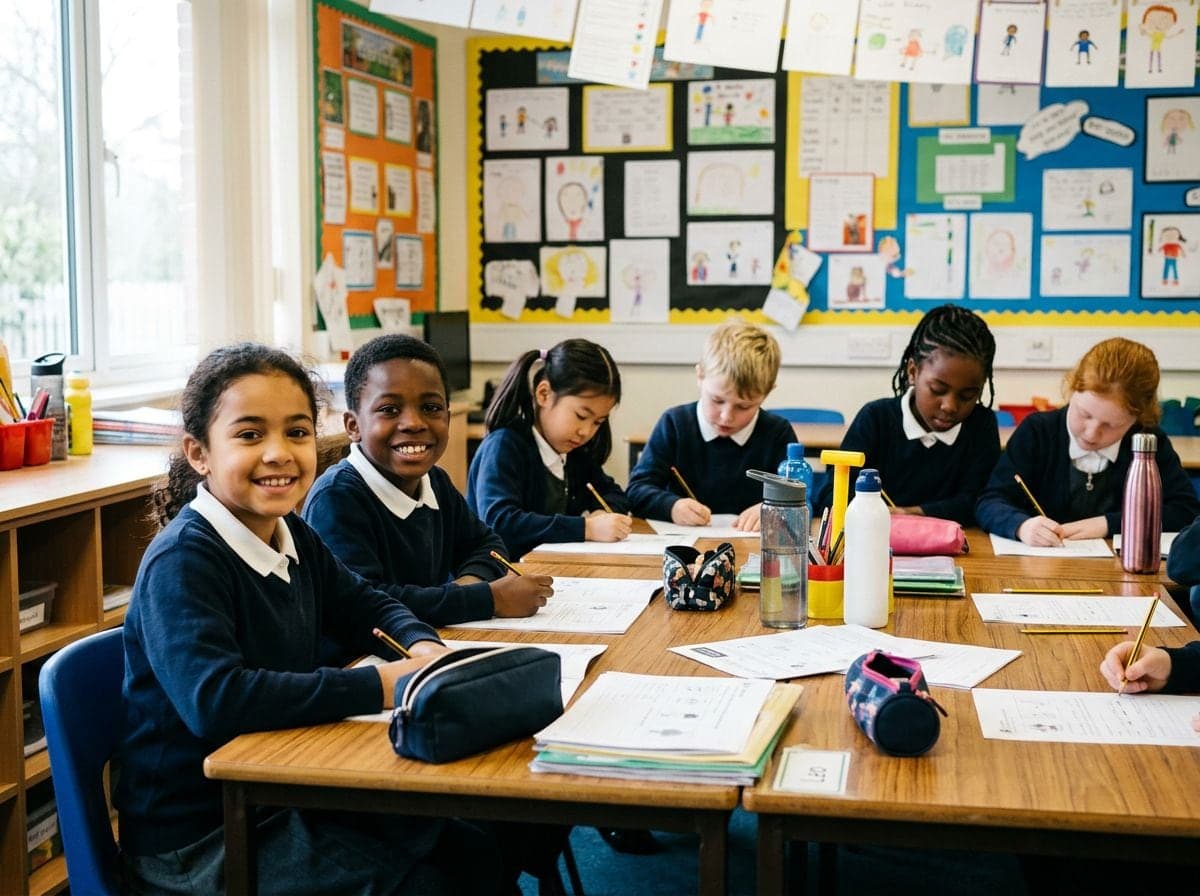 01
0101 · Drop in your photos
Up to 100 at once
- 02
02 · Tap the faces
Or “Change all” in one go
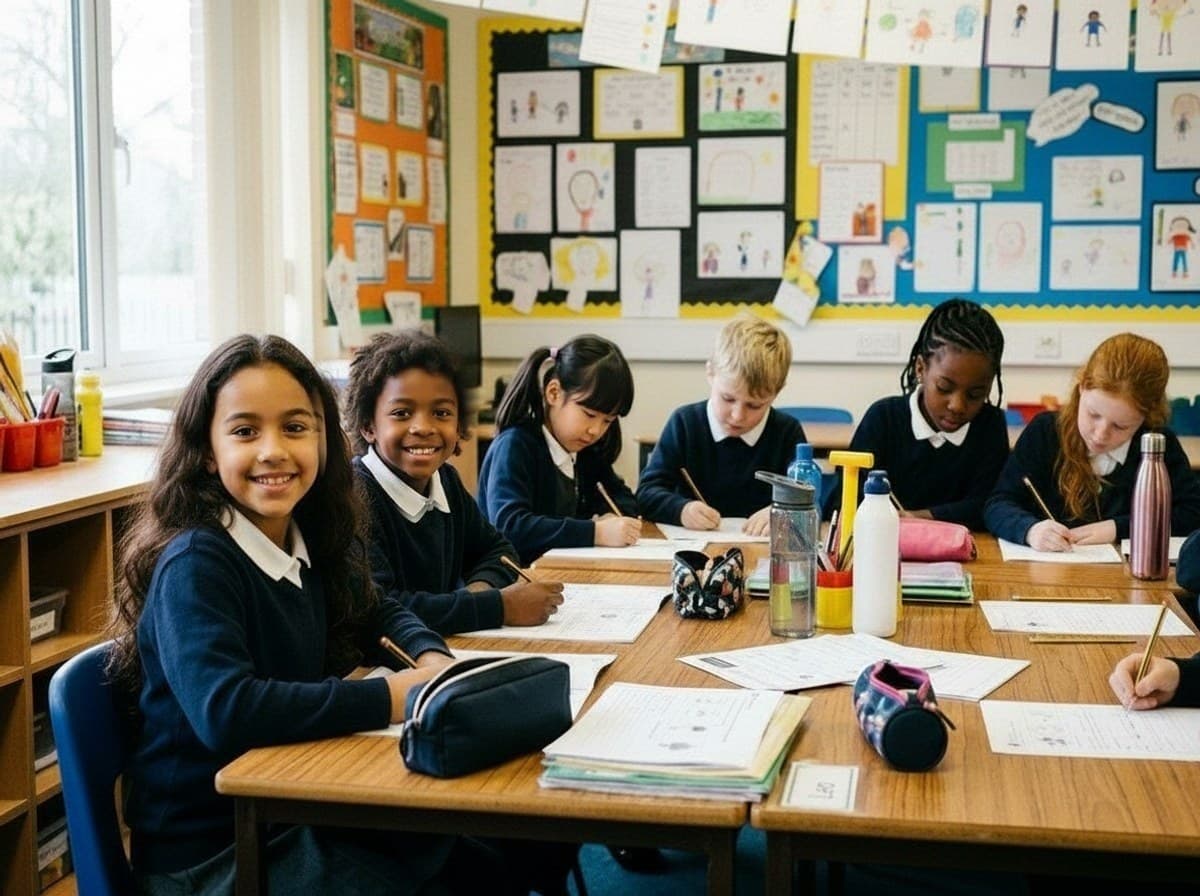 03
0303 · Download and post
About 20 seconds a photo
 BeforeNew face
Don’t like a face? Redo just that one.
Tap any face in a finished photo and regenerate it on its own. Everyone else in the photo stays exactly as they are. Each generation costs 1 credit.
Frequently asked
questions
Something else? Email hello@safeguard-vision.com — a human replies.
Is this just a blur?
No. Safeguard finds each face and replaces it with a newly generated one — a different child, with the same approximate age, expression and complexion, lit to match the photo.
Can I keep some faces as they are?
Yes. You tap the faces you want changed — a teacher, or a pupil whose parents have consented, can stay exactly as they are. “Change all” does every face in one tap.
What happens to our photos?
Your photos — the original and the anonymised copy — are deleted automatically after 48 hours, or after 7 days if you choose to keep them longer, so download what you need. Nothing is published or shared — you decide where the finished photo goes.
Does it change a child's ethnicity or age?
No. Children stay children, and each new face matches the complexion of that child's neck and hands. Changing who was in the room would misrepresent your school — that's a line we don't cross.
Is it GDPR compliant?
Safeguard is designed to help. A photo in which no child can be identified carries far less risk than one where they can. We can provide a DPA and DPIA notes for your DPO — ask us.
Do you still offer the WordPress plugin?
For agencies and multi-site networks, yes — we set it up for you. Get in touch.
Ready to put faces
back in your photos?
Try it on two of your own photos. If it doesn’t earn a place in your week, you’ve lost nothing.